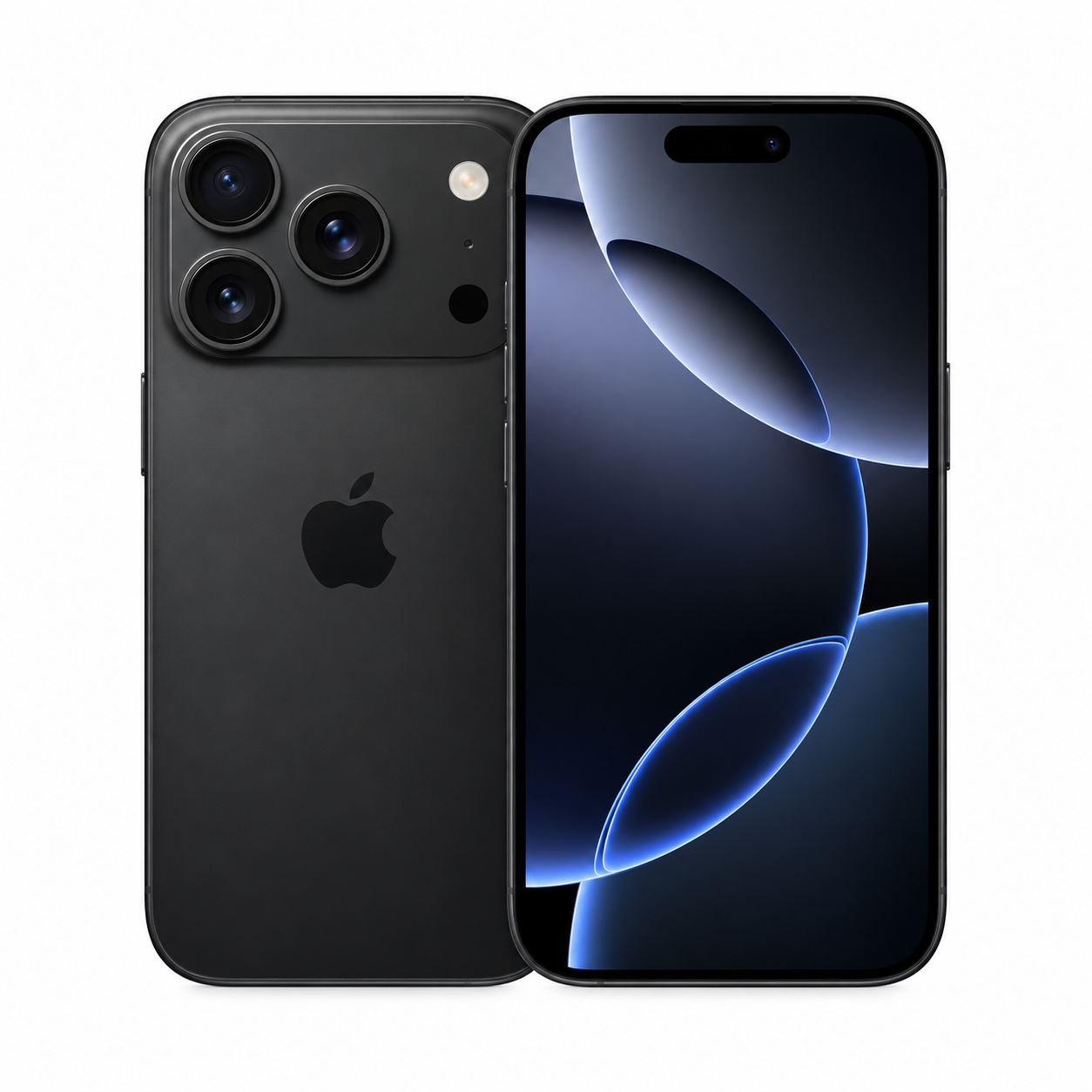
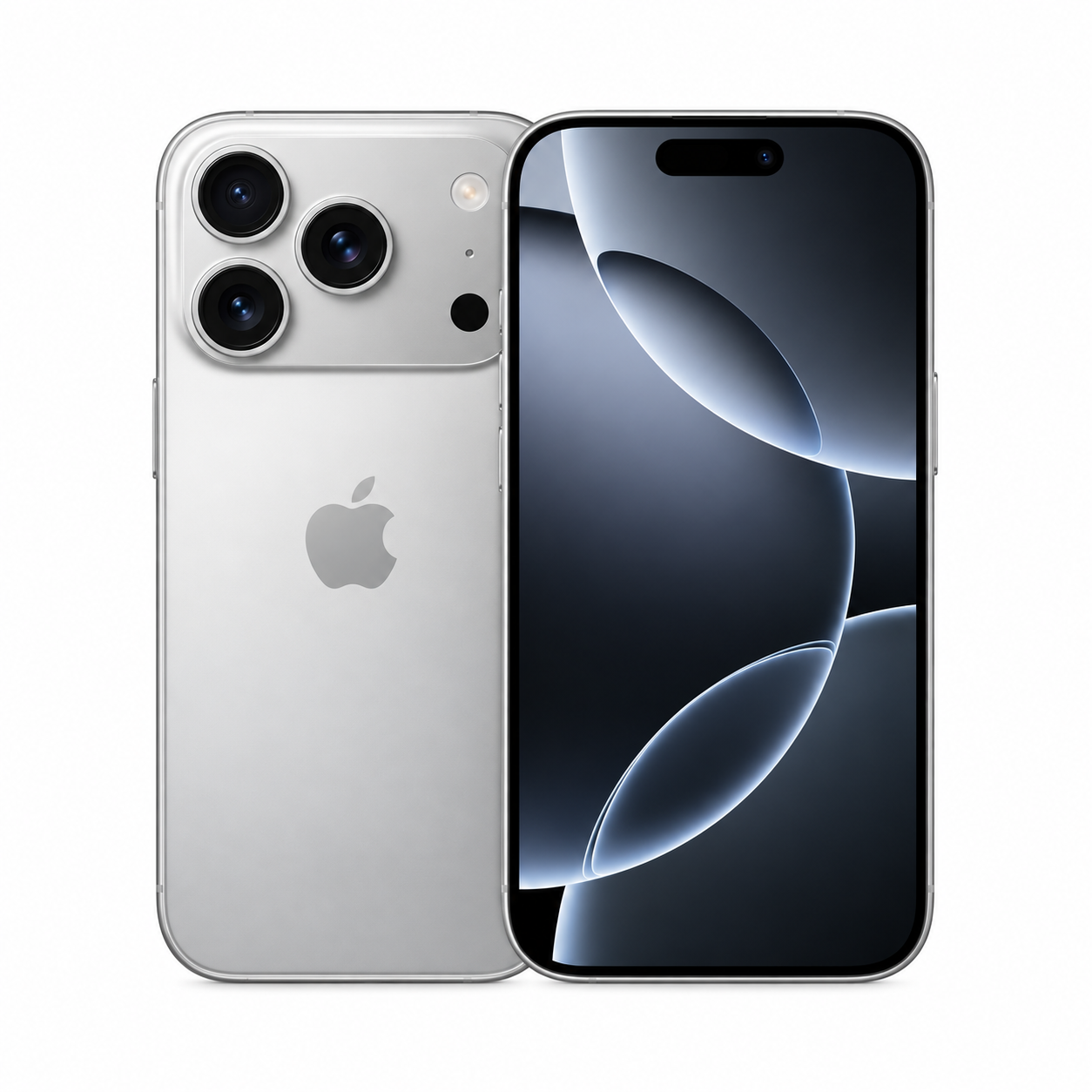
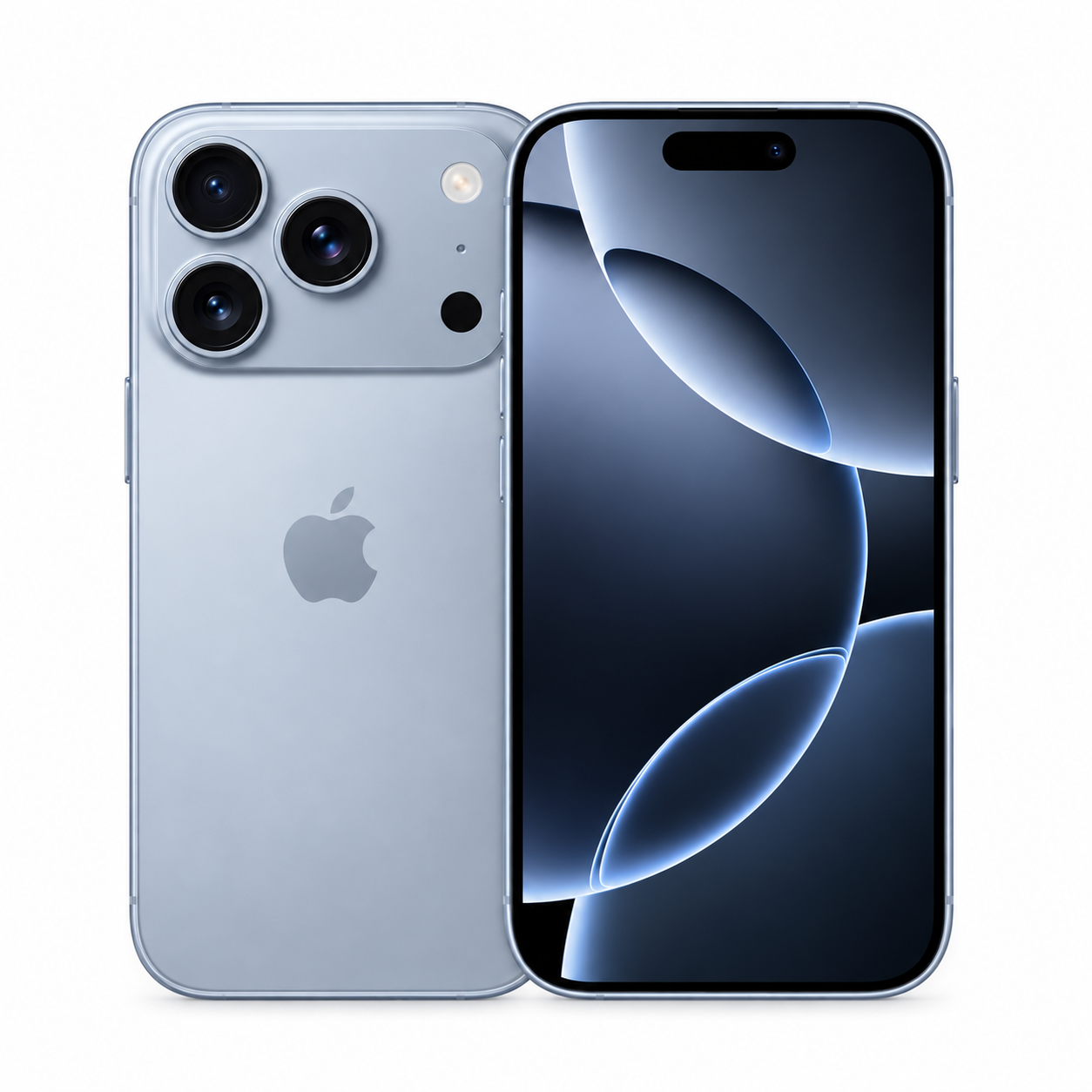
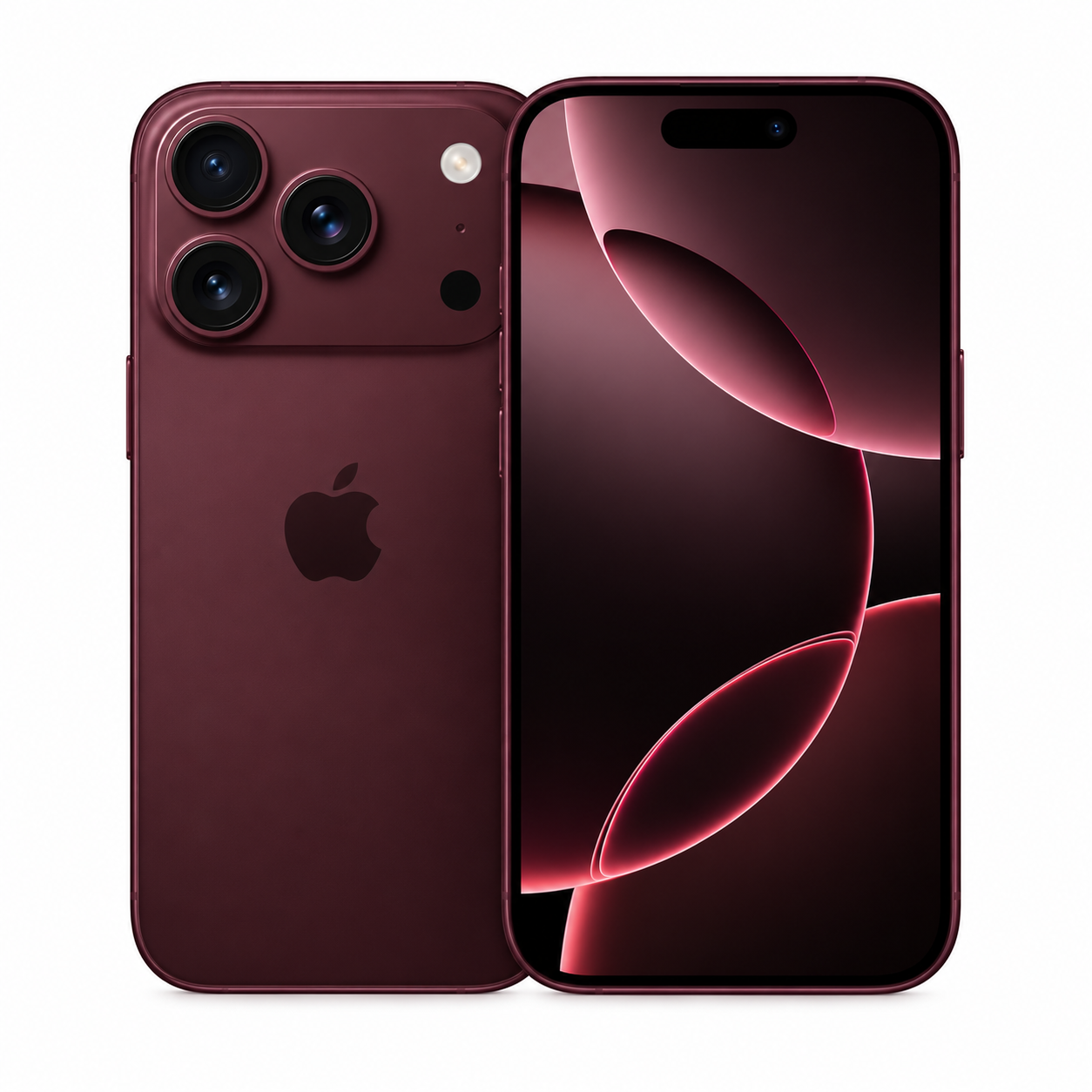
Model: XQ-EC44 | JAN: 4589771649231 | SIM-free & all carrier versions accepted
| Rank | Condition guide | Appraisal details / accessory conditions | Est. buyback price |
|---|---|---|---|
| New (S) | Sealed · unused new | Factory seal intact, unopened, before activation. | ¥125,000 |
| Unused (A) | Opened · unused | Power-on check only. No scratches/dirt on body or screen. No missing accessories. | ¥114,000 |
| Mint (B) | Used, mint (no visible scratches) | Little wear, clean screen and body. Battery max capacity 85% or higher. | ¥103,000 |
| Good (C) | Used, good (minor scratches/scuffs) | Minor scuffs/small dents from daily use. All functions work. | ¥91,000 |
| Faulty (D) | Cracked screen/back · faulty | Junk condition: cracked glass, camera faults, severe battery degradation, etc. | ¥58,000 |
We actively buy iPhones/smartphones even while on installment payments (with a remaining balance) at high prices. Even if you were turned down elsewhere or offered too big a reduction, please apply with confidence.
Device fully paid off. Bought at 100% of the max price.
Still paying the carrier in installments. Same-day cash with only a small reduction (approx. -¥4,000).
Network-locked. Appraised individually as a parts device.
Settings > Apple ID > Find My > turn off "Find My iPhone".
Tap your name at the top of Settings > scroll down > "Sign Out".
General > Transfer or Reset iPhone > "Erase All Content and Settings".
Take out the physical SIM card from the side tray.